
How Delta Force Aimbot FOV, Smoothing and Filters Work
FOV decides the aiming area. Smoothing concerns the movement towards a target, while body-point selection and filters answer different questions. Here's how those controls fit together in the main Shxdow Delta Force Cheat from ShxdowCheats, and how it differs from the separate Map Radar subscription.
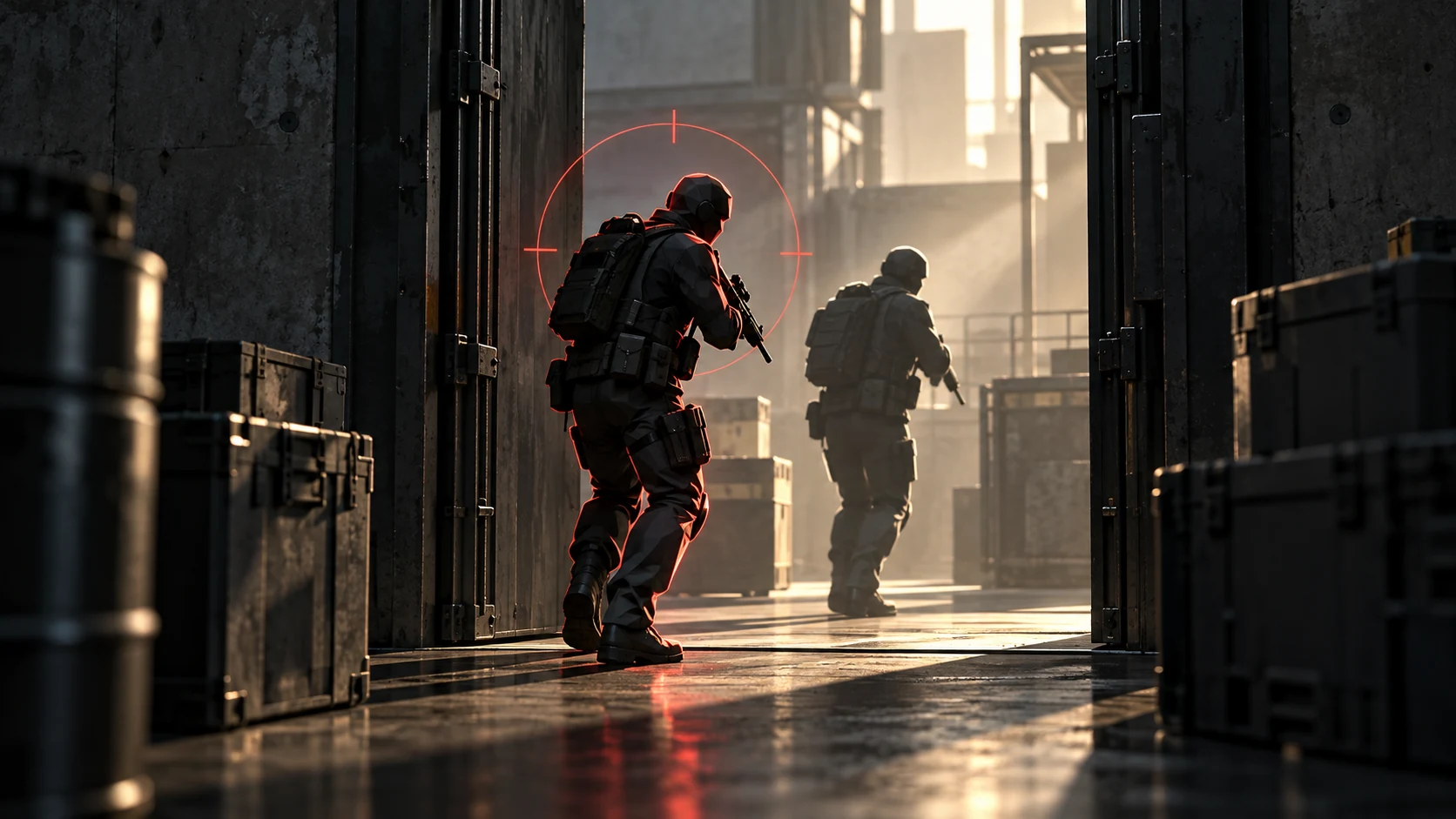
What does aimbot FOV change?
The FOV control sets the area considered by the Delta Force aimbot. With two opponents in view, the one you want may be inside that area while the other is outside it. Changing its size changes the selection area, rather than the body point used on a player who already qualifies.
Draw FOV displays that area. It gives the Delta Force aimbot a visible boundary you can compare with the opponents in front of you. If a player sits near its edge, the drawing makes the distinction easier to see than judging the targeting area from the width of your whole screen.
Your crosshair position and the size of the selection area are separate things to watch. Turning towards a second opponent changes your view of the encounter; resizing the area changes how much of it the Delta Force aimbot considers. Make one change at a time when comparing the result.
The main Shxdow Delta Force Cheat from ShxdowCheats contains these Delta Force cheats aiming features. In a doorway fight, the useful distinction is between deciding who qualifies and deciding how the aim moves. The separate map subscription does a different job.
How does smoothing differ from target selection?
Smooth Speed concerns the movement of the Delta Force aimbot towards a target. In these Delta Force cheats, a slower-looking turn and a different target are not the same change. Compare the crosshair's travel towards one opponent before changing the selection area again, so you can tell which control affected the result.
Stickiness is another named aiming control. The target line is a drawing you can read alongside the selected player. Keep the functions distinct: a movement control changes aiming behaviour, while a line helps you recognise what the display is referring to.
What does bone selection do?
Bone Selection sets the body reference used by the Delta Force aimbot. You can have the right opponent selected but want the aim directed towards a different part of that person. That is a body-point question, rather than a reason to widen the selection area and admit more opponents.
A clear shot still depends on the actual opening. If the chosen body point is behind the doorway frame, selecting it doesn't remove the frame. The Delta Force aimbot's body reference and the visible part of the opponent are different things to identify before you fire.
What do visibility and knocked-player filters change?
Visible Check adds a visibility condition to the Delta Force aimbot. Compare an opponent standing in the open with one obscured by nearby cover. Their positions can fall within the same aiming area, while the visibility condition gives selection another factor to consider.
Ignore Knocked concerns a knocked opponent, rather than an opponent's place inside the aiming area. After an exchange, a standing player and a downed player may be close together. This filter distinguishes player state from the size of the area or the speed of the aiming movement.
How do the aiming inputs and drawings fit together?
The Delta Force aimbot has two keybinds for aiming. Know which input you are using before assessing a change to the aim. An input determines when you activate the function; the selection area and filters then concern the opponents it can consider.
Moving into an exposed lane can put several opponents in view at once. In these Delta Force cheats, begin with the target you intend to follow and the area that includes them. Changing speed, body point and filters together makes it harder to identify which change did what.
The aiming drawings in Delta Force cheats provide references alongside the game scene. Keep the selected opponent visible beneath them. The boundary answers where the selection area lies, while the line is another cue beside the person, so they don't need to be read as interchangeable drawings.
How is the aiming cheat different from Map Radar?
Camera FOV changes how much of the scene is visible. The Delta Force aimbot has its own selection-area control. A wider game view and a wider aiming area are therefore different choices, even though both controls use the same abbreviation.
The player overlay adds body drawings and details such as health. Those are display features around the opponent, while the Delta Force aimbot concerns aiming. You can use an outline to locate somebody without treating every displayed value as a targeting condition.
Map Radar is a separate subscription alongside the main Delta Force cheats. Its enemy, loot and extract positions describe the wider raid. The Delta Force radar guide explains that positional view rather than the aiming movement covered here.
Open the Delta Force cheats category at ShxdowCheats for both products. Choose the main cheat for its aiming and player display features, or the separate radar for map and raid information. Keeping those product roles clear avoids expecting a map subscription to supply the main cheat's aiming controls.
Your questions answered
What should I look at when the wrong player is selected?
Look at the players inside the aiming area and the conditions that apply to them. FOV, visibility and knocked state are useful things to identify before changing how quickly the crosshair moves.
Where can I see the aiming area's boundary?
Draw FOV provides a visual reference for the area around your aim. Read that drawing against the opening or part of the scene you are holding.
Is bone selection a change to the player's hitbox?
No. It chooses the reference on the character used for aiming. The reference doesn't enlarge the player's body or turn the surrounding scenery into an open shot.
Is the map radar part of the same subscription?
Map Radar is a separate subscription. Its focus is enemy, AI, loot and extract positions with raid statistics. The aiming controls belong to the main Shxdow Delta Force Cheat.
Choose the aiming features in the full Delta Force category at the ShxdowCheats store.