
All Activity
- Past hour
-
 yasin kale joined the community
 - Today
-
 jak jakos joined the community
 -
 Nikola Damjanovic joined the community
 -
 Ryleethe4th joined the community
 -
 Hayden Blevins1 joined the community
 -
 mariaCorina1986 joined the community
 -
 RichyMC MC joined the community
 -
 sandro Kanbl joined the community
 -
 baz joined the community
 - Last week
-
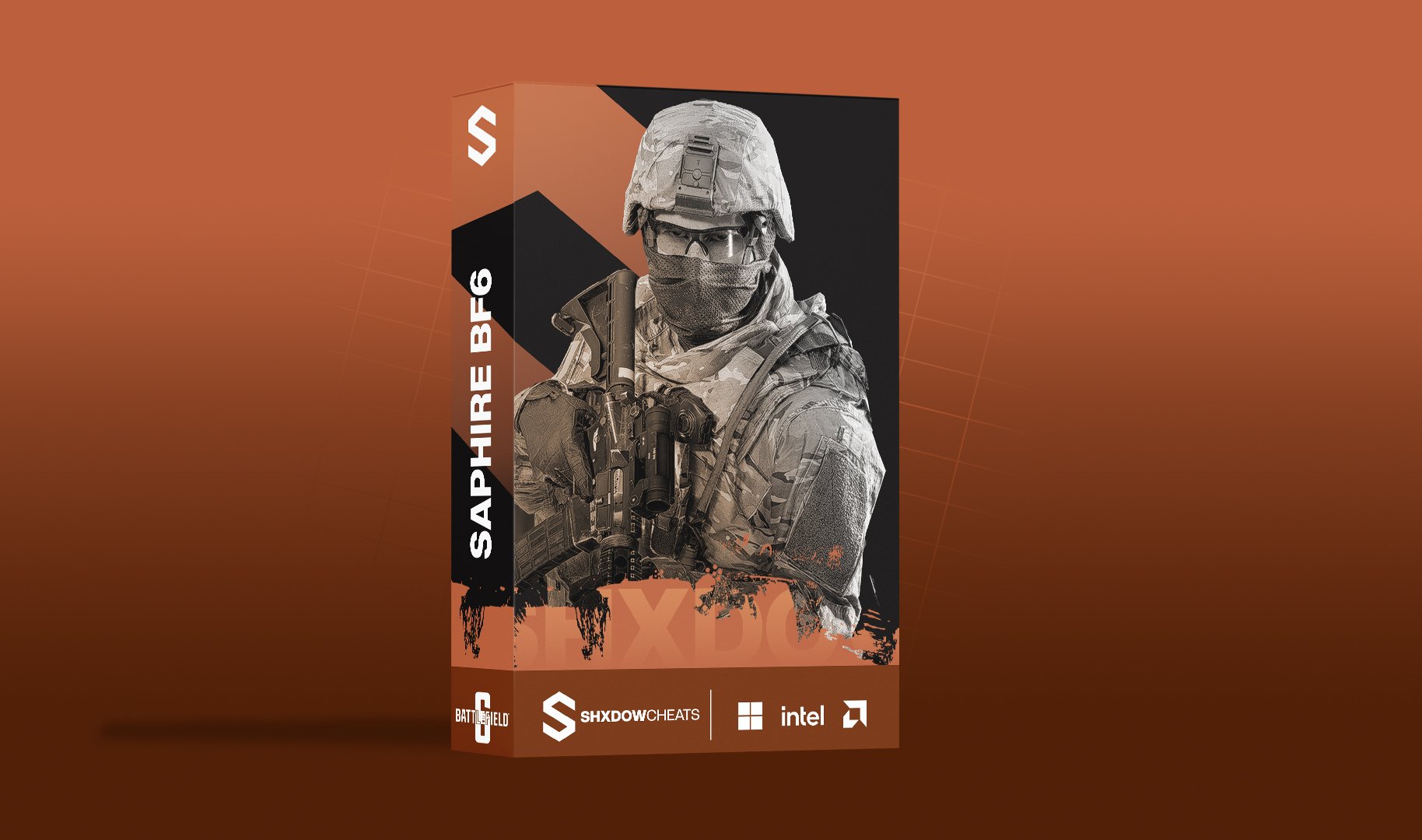 Saphire Battlefield 6 Cheat offers powerful features for tactical precision and performance. Designed for players seeking the best Battlefield 6 Cheats, Battlefield 6 Hacks, Battlefield 6 Aimbot, and Battlefield 6 Wallhacks, this tool delivers a customizable aimbot system, triggerbot, detailed ESP visuals, and a full configuration system for optimal advantage in every encounter.
System: Supports Windows 10 & 11 — Intel & AMD CPU Compatible. Highly configurable cheat interface with advanced Aimbot, Triggerbot & ESP integration.-
Aimbot
Precise external aiming assistance with full targeting control and safety filters.
- Enable
- Speed
- Field of View
- Max Distance
- Retarget Time
- Detach Time
- Filter Team
- Filter Invisible
- Draw Aimbot FOV
- Hitbox Selection
-
Triggerbot
Automatic fire assistance with configurable hitbox and target filtering.
- Enable
- Hitbox Expansion
- Retarget Time
- Filter Team
- Filter Invisible
- Hitbox Selection
-
Player ESP
Fully customizable ESP overlays for enemies, teammates, bots, and more.
- Enemy
- Team
- Bot
- Max Distance
- Box
- Head Dot
- View Angles
- Skeleton
- Out of FOV Arrows
- Distance
- Name
- Visible
- Draggable ESP
-
Config
Full configuration management with overlay controls and developer options.
- Config Name
- Add Config
- Config List
- Load
- Save
- Delete
- Clear
- Overlay FPS
- Developer Mode
About This Product
Saphire Battlefield 6 Cheat is engineered for players who demand precision and reliability. With advanced aimbot controls, a responsive triggerbot, robust ESP options, and a flexible config system, it provides competitive advantages while remaining user-friendly and frequently updated for compatibility with the latest Battlefield 6 patches.
From$59.99 -
-
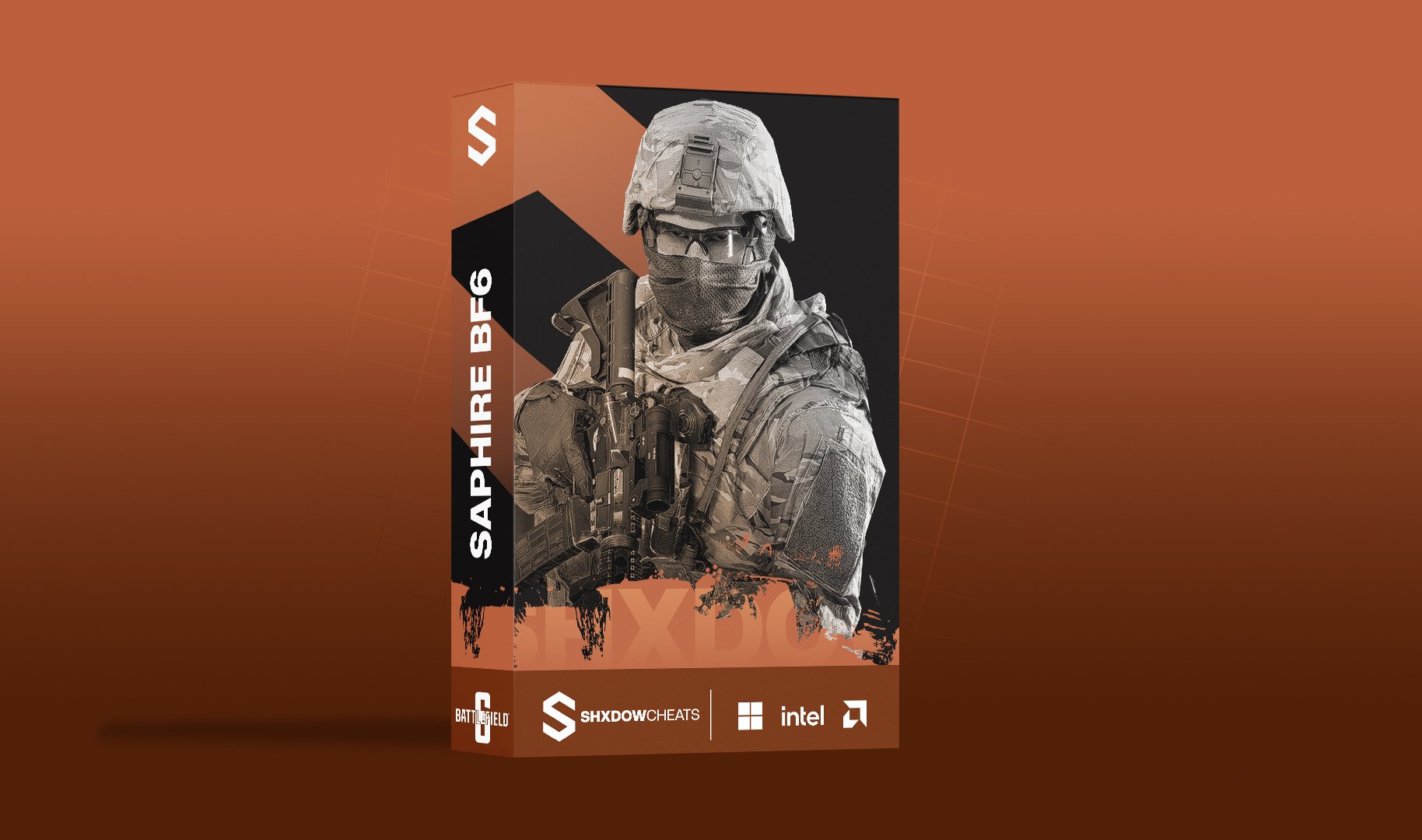 Saphire Battlefield 6 Cheat offers powerful features for tactical precision and performance. Designed for players seeking the best Battlefield 6 Cheats, Battlefield 6 Hacks, Battlefield 6 Aimbot, and Battlefield 6 Wallhacks, this tool delivers a customizable aimbot system, triggerbot, detailed ESP visuals, and a full configuration system for optimal advantage in every encounter.
System: Supports Windows 10 & 11 — Intel & AMD CPU Compatible. Highly configurable cheat interface with advanced Aimbot, Triggerbot & ESP integration.-
Aimbot
Precise external aiming assistance with full targeting control and safety filters.
- Enable
- Speed
- Field of View
- Max Distance
- Retarget Time
- Detach Time
- Filter Team
- Filter Invisible
- Draw Aimbot FOV
- Hitbox Selection
-
Triggerbot
Automatic fire assistance with configurable hitbox and target filtering.
- Enable
- Hitbox Expansion
- Retarget Time
- Filter Team
- Filter Invisible
- Hitbox Selection
-
Player ESP
Fully customizable ESP overlays for enemies, teammates, bots, and more.
- Enemy
- Team
- Bot
- Max Distance
- Box
- Head Dot
- View Angles
- Skeleton
- Out of FOV Arrows
- Distance
- Name
- Visible
- Draggable ESP
-
Config
Full configuration management with overlay controls and developer options.
- Config Name
- Add Config
- Config List
- Load
- Save
- Delete
- Clear
- Overlay FPS
- Developer Mode
About This Product
Saphire Battlefield 6 Cheat is engineered for players who demand precision and reliability. With advanced aimbot controls, a responsive triggerbot, robust ESP options, and a flexible config system, it provides competitive advantages while remaining user-friendly and frequently updated for compatibility with the latest Battlefield 6 patches.
From$25.99 -
-
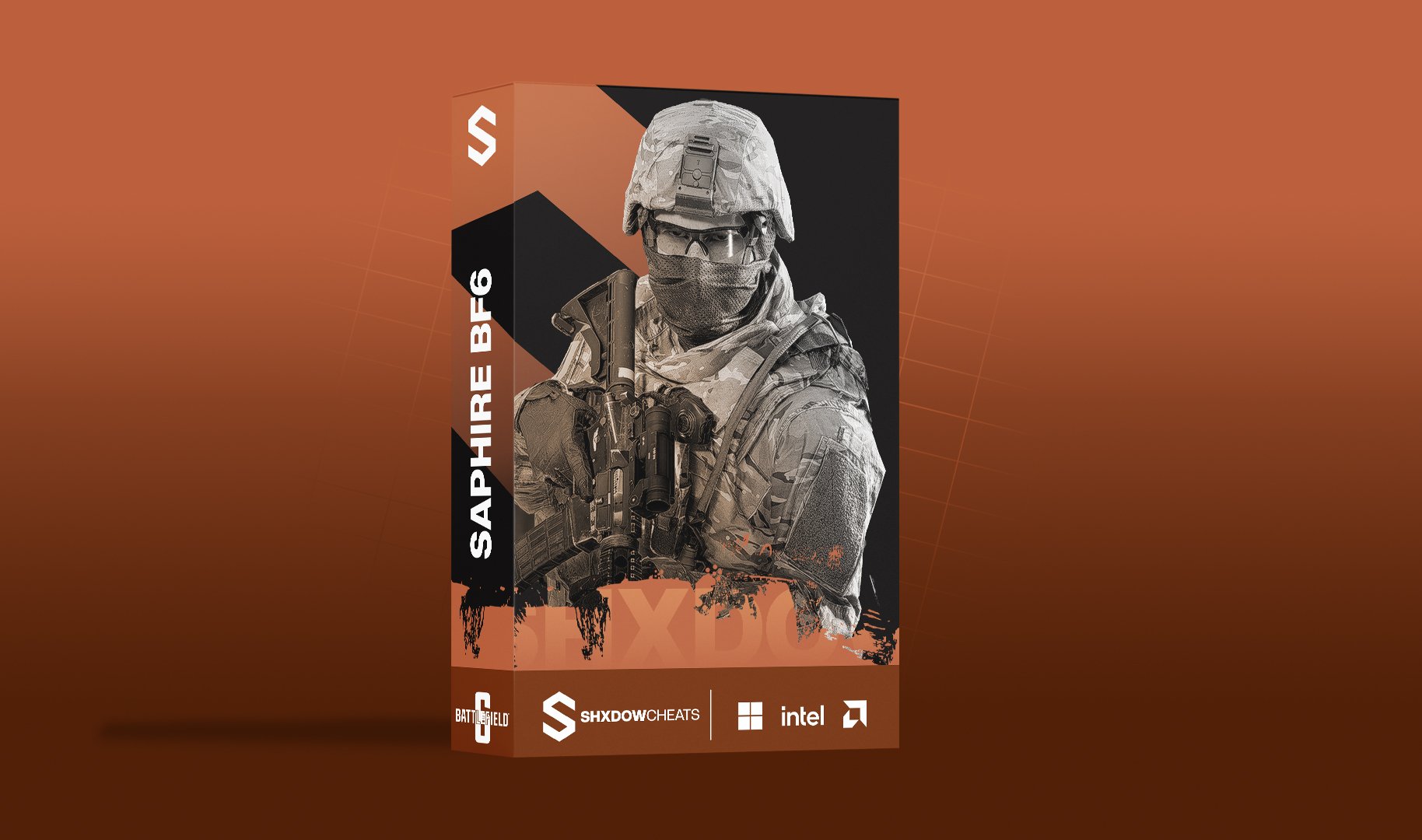 Saphire Battlefield 6 Cheat offers powerful features for tactical precision and performance. Designed for players seeking the best Battlefield 6 Cheats, Battlefield 6 Hacks, Battlefield 6 Aimbot, and Battlefield 6 Wallhacks, this tool delivers a customizable aimbot system, triggerbot, detailed ESP visuals, and a full configuration system for optimal advantage in every encounter.
System: Supports Windows 10 & 11 — Intel & AMD CPU Compatible. Highly configurable cheat interface with advanced Aimbot, Triggerbot & ESP integration.-
Aimbot
Precise external aiming assistance with full targeting control and safety filters.
- Enable
- Speed
- Field of View
- Max Distance
- Retarget Time
- Detach Time
- Filter Team
- Filter Invisible
- Draw Aimbot FOV
- Hitbox Selection
-
Triggerbot
Automatic fire assistance with configurable hitbox and target filtering.
- Enable
- Hitbox Expansion
- Retarget Time
- Filter Team
- Filter Invisible
- Hitbox Selection
-
Player ESP
Fully customizable ESP overlays for enemies, teammates, bots, and more.
- Enemy
- Team
- Bot
- Max Distance
- Box
- Head Dot
- View Angles
- Skeleton
- Out of FOV Arrows
- Distance
- Name
- Visible
- Draggable ESP
-
Config
Full configuration management with overlay controls and developer options.
- Config Name
- Add Config
- Config List
- Load
- Save
- Delete
- Clear
- Overlay FPS
- Developer Mode
About This Product
Saphire Battlefield 6 Cheat is engineered for players who demand precision and reliability. With advanced aimbot controls, a responsive triggerbot, robust ESP options, and a flexible config system, it provides competitive advantages while remaining user-friendly and frequently updated for compatibility with the latest Battlefield 6 patches.
From$9.99 -
-
Saphire Battlefield 6 Cheat
Product in Battlefield 6 Cheats
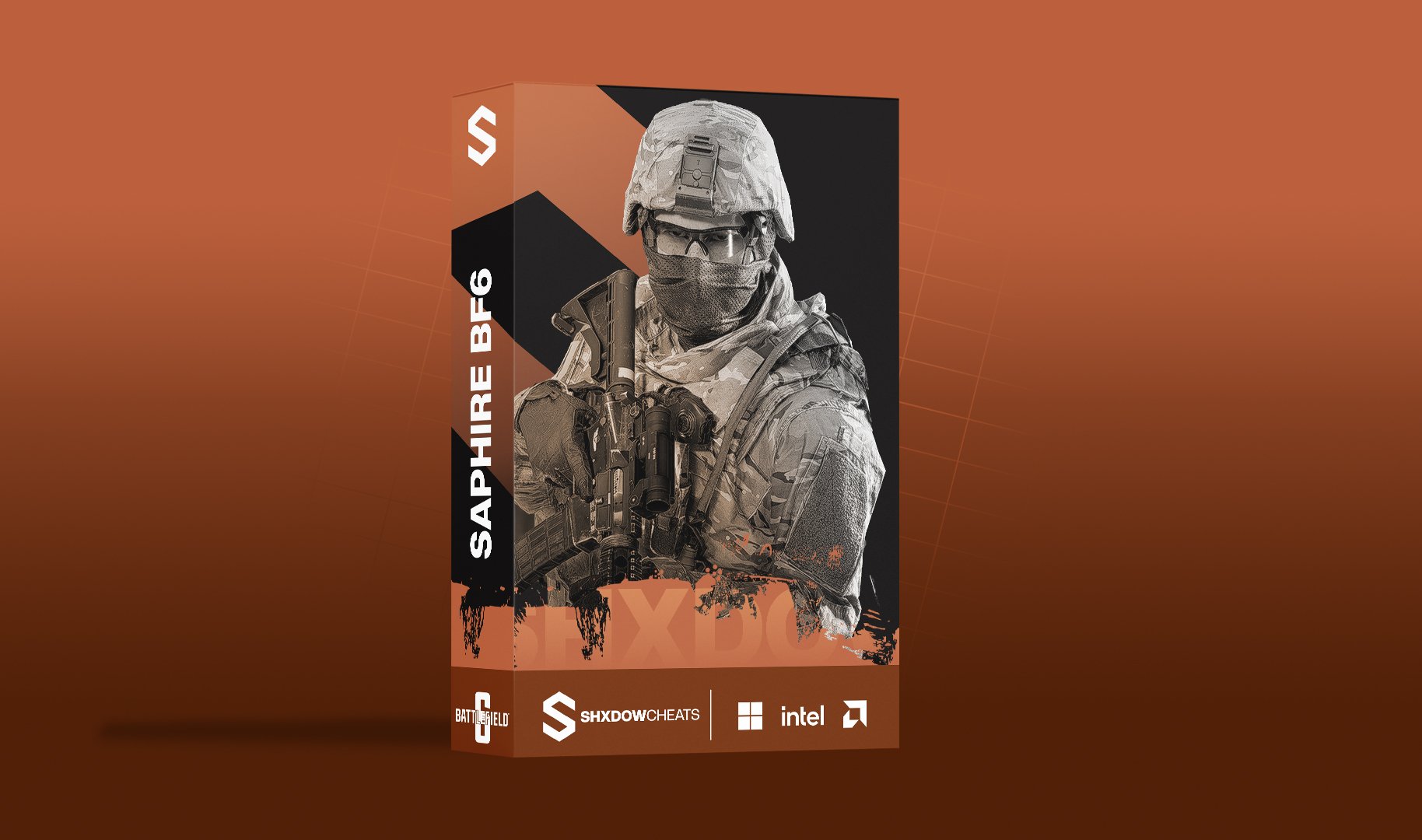 Saphire Battlefield 6 Cheat offers powerful features for tactical precision and performance. Designed for players seeking the best Battlefield 6 Cheats, Battlefield 6 Hacks, Battlefield 6 Aimbot, and Battlefield 6 Wallhacks, this tool delivers a customizable aimbot system, triggerbot, detailed ESP visuals, and a full configuration system for optimal advantage in every encounter.
System: Supports Windows 10 & 11 — Intel & AMD CPU Compatible. Highly configurable cheat interface with advanced Aimbot, Triggerbot & ESP integration.-
Aimbot
Precise external aiming assistance with full targeting control and safety filters.
- Enable
- Speed
- Field of View
- Max Distance
- Retarget Time
- Detach Time
- Filter Team
- Filter Invisible
- Draw Aimbot FOV
- Hitbox Selection
-
Triggerbot
Automatic fire assistance with configurable hitbox and target filtering.
- Enable
- Hitbox Expansion
- Retarget Time
- Filter Team
- Filter Invisible
- Hitbox Selection
-
Player ESP
Fully customizable ESP overlays for enemies, teammates, bots, and more.
- Enemy
- Team
- Bot
- Max Distance
- Box
- Head Dot
- View Angles
- Skeleton
- Out of FOV Arrows
- Distance
- Name
- Visible
- Draggable ESP
-
Config
Full configuration management with overlay controls and developer options.
- Config Name
- Add Config
- Config List
- Load
- Save
- Delete
- Clear
- Overlay FPS
- Developer Mode
About This Product
Saphire Battlefield 6 Cheat is engineered for players who demand precision and reliability. With advanced aimbot controls, a responsive triggerbot, robust ESP options, and a flexible config system, it provides competitive advantages while remaining user-friendly and frequently updated for compatibility with the latest Battlefield 6 patches.
From$9.99 -
-
Saphire Rust Cheat 30 Days
Product in Rust Cheats
 Saphire Rust Cheat is a powerful fully external Rust tool built for stability, stealth, and complete control. Featuring advanced aimbot systems, customizable ESP, extensive item & prefab detection, and a wide range of misc utilities, Saphire is designed for players searching for Rust Cheats, Rust Hacks, Rust Aimbot, and Rust ESP with a unique external bypass.
-
Aimbot
Precise external aiming assistance with full control and safety.
- Enabled
- Silent Aimbot
- Speed
- Field of View
- Max Distance
- Retarget Time
- Detach Time
- Filter Team
- Filter Bots
- Filter Invisible
- Filter Knocked
- Draw FOV
- Hitbox Selection
-
Player ESP
Fully customizable ESP overlays for enemies, teammates, bots, and sleepers.
- Enemy
- Team
- Bot
- Sleepers
- Max Distance
- Box
- Head Dot
- View Angles
- Skeleton
- Out of FOV Arrows
- Weapon
- Distance
- Name
- Visible
- Team Index
- Draggable ESP
-
Items & Prefabs
Searchable, fully toggleable item and world prefab detection with custom colors.
- Search Bar
- Max Distance
- Enable/Disable All (Section)
- Enable/Disable All (Global)
- Individual Toggle for All
- Custom Colors
-
Config
Full configuration management with overlay controls and developer options.
- Config Name
- Add Config
- Config List
- Load
- Save
- Delete
- Clear
- Overlay FPS
- Developer Mode
- Combat Mode
-
Misc
Advanced movement, weapon control, visual enhancements, and gameplay utilities.
- Instant Eoka
- Instant Bow
- Instant Compound
- Thick Bullet
- Head Hitbox Override
- Material Override
- No Recoil
- No Sway
- No Spread
- Fire Rate
- No Slow Down
- Long Hit
- Spiderman
- Omni Sprint
- Debug Camera
- Shoot Mounted
- Jump Shoot
- Flyhack
- Farm Assist
- Fast Loot
- Bright Caves
- Bright Night
- X-Ray
- Zoom
- Zoom FOV
- Remove Layers
About This Product
Saphire Rust Cheat is a fully external, streamproof Rust solution featuring a unique bypass for maximum detection safety. Built for Windows 10 and 11 on both Intel and AMD systems, Saphire delivers reliable performance, deep customization, and consistent updates to stay compatible with the latest Rust patches.
From$59.99 -
-
Saphire Rust Cheat 7 Days
Product in Rust Cheats
 Saphire Rust Cheat is a powerful fully external Rust tool built for stability, stealth, and complete control. Featuring advanced aimbot systems, customizable ESP, extensive item & prefab detection, and a wide range of misc utilities, Saphire is designed for players searching for Rust Cheats, Rust Hacks, Rust Aimbot, and Rust ESP with a unique external bypass.
-
Aimbot
Precise external aiming assistance with full control and safety.
- Enabled
- Silent Aimbot
- Speed
- Field of View
- Max Distance
- Retarget Time
- Detach Time
- Filter Team
- Filter Bots
- Filter Invisible
- Filter Knocked
- Draw FOV
- Hitbox Selection
-
Player ESP
Fully customizable ESP overlays for enemies, teammates, bots, and sleepers.
- Enemy
- Team
- Bot
- Sleepers
- Max Distance
- Box
- Head Dot
- View Angles
- Skeleton
- Out of FOV Arrows
- Weapon
- Distance
- Name
- Visible
- Team Index
- Draggable ESP
-
Items & Prefabs
Searchable, fully toggleable item and world prefab detection with custom colors.
- Search Bar
- Max Distance
- Enable/Disable All (Section)
- Enable/Disable All (Global)
- Individual Toggle for All
- Custom Colors
-
Config
Full configuration management with overlay controls and developer options.
- Config Name
- Add Config
- Config List
- Load
- Save
- Delete
- Clear
- Overlay FPS
- Developer Mode
- Combat Mode
-
Misc
Advanced movement, weapon control, visual enhancements, and gameplay utilities.
- Instant Eoka
- Instant Bow
- Instant Compound
- Thick Bullet
- Head Hitbox Override
- Material Override
- No Recoil
- No Sway
- No Spread
- Fire Rate
- No Slow Down
- Long Hit
- Spiderman
- Omni Sprint
- Debug Camera
- Shoot Mounted
- Jump Shoot
- Flyhack
- Farm Assist
- Fast Loot
- Bright Caves
- Bright Night
- X-Ray
- Zoom
- Zoom FOV
- Remove Layers
About This Product
Saphire Rust Cheat is a fully external, streamproof Rust solution featuring a unique bypass for maximum detection safety. Built for Windows 10 and 11 on both Intel and AMD systems, Saphire delivers reliable performance, deep customization, and consistent updates to stay compatible with the latest Rust patches.
From$25.99 -
-
Saphire Rust Cheat 1 Day
Product in Rust Cheats
 Saphire Rust Cheat is a powerful fully external Rust tool built for stability, stealth, and complete control. Featuring advanced aimbot systems, customizable ESP, extensive item & prefab detection, and a wide range of misc utilities, Saphire is designed for players searching for Rust Cheats, Rust Hacks, Rust Aimbot, and Rust ESP with a unique external bypass.
-
Aimbot
Precise external aiming assistance with full control and safety.
- Enabled
- Silent Aimbot
- Speed
- Field of View
- Max Distance
- Retarget Time
- Detach Time
- Filter Team
- Filter Bots
- Filter Invisible
- Filter Knocked
- Draw FOV
- Hitbox Selection
-
Player ESP
Fully customizable ESP overlays for enemies, teammates, bots, and sleepers.
- Enemy
- Team
- Bot
- Sleepers
- Max Distance
- Box
- Head Dot
- View Angles
- Skeleton
- Out of FOV Arrows
- Weapon
- Distance
- Name
- Visible
- Team Index
- Draggable ESP
-
Items & Prefabs
Searchable, fully toggleable item and world prefab detection with custom colors.
- Search Bar
- Max Distance
- Enable/Disable All (Section)
- Enable/Disable All (Global)
- Individual Toggle for All
- Custom Colors
-
Config
Full configuration management with overlay controls and developer options.
- Config Name
- Add Config
- Config List
- Load
- Save
- Delete
- Clear
- Overlay FPS
- Developer Mode
- Combat Mode
-
Misc
Advanced movement, weapon control, visual enhancements, and gameplay utilities.
- Instant Eoka
- Instant Bow
- Instant Compound
- Thick Bullet
- Head Hitbox Override
- Material Override
- No Recoil
- No Sway
- No Spread
- Fire Rate
- No Slow Down
- Long Hit
- Spiderman
- Omni Sprint
- Debug Camera
- Shoot Mounted
- Jump Shoot
- Flyhack
- Farm Assist
- Fast Loot
- Bright Caves
- Bright Night
- X-Ray
- Zoom
- Zoom FOV
- Remove Layers
About This Product
Saphire Rust Cheat is a fully external, streamproof Rust solution featuring a unique bypass for maximum detection safety. Built for Windows 10 and 11 on both Intel and AMD systems, Saphire delivers reliable performance, deep customization, and consistent updates to stay compatible with the latest Rust patches.
From$7.99 -
-
Saphire Rust Cheat
Product in Rust Cheats
 Saphire Rust Cheat is a powerful fully external Rust tool built for stability, stealth, and complete control. Featuring advanced aimbot systems, customizable ESP, extensive item & prefab detection, and a wide range of misc utilities, Saphire is designed for players searching for Rust Cheats, Rust Hacks, Rust Aimbot, and Rust ESP with a unique external bypass.
-
Aimbot
Precise external aiming assistance with full control and safety.
- Enabled
- Silent Aimbot
- Speed
- Field of View
- Max Distance
- Retarget Time
- Detach Time
- Filter Team
- Filter Bots
- Filter Invisible
- Filter Knocked
- Draw FOV
- Hitbox Selection
-
Player ESP
Fully customizable ESP overlays for enemies, teammates, bots, and sleepers.
- Enemy
- Team
- Bot
- Sleepers
- Max Distance
- Box
- Head Dot
- View Angles
- Skeleton
- Out of FOV Arrows
- Weapon
- Distance
- Name
- Visible
- Team Index
- Draggable ESP
-
Items & Prefabs
Searchable, fully toggleable item and world prefab detection with custom colors.
- Search Bar
- Max Distance
- Enable/Disable All (Section)
- Enable/Disable All (Global)
- Individual Toggle for All
- Custom Colors
-
Config
Full configuration management with overlay controls and developer options.
- Config Name
- Add Config
- Config List
- Load
- Save
- Delete
- Clear
- Overlay FPS
- Developer Mode
- Combat Mode
-
Misc
Advanced movement, weapon control, visual enhancements, and gameplay utilities.
- Instant Eoka
- Instant Bow
- Instant Compound
- Thick Bullet
- Head Hitbox Override
- Material Override
- No Recoil
- No Sway
- No Spread
- Fire Rate
- No Slow Down
- Long Hit
- Spiderman
- Omni Sprint
- Debug Camera
- Shoot Mounted
- Jump Shoot
- Flyhack
- Farm Assist
- Fast Loot
- Bright Caves
- Bright Night
- X-Ray
- Zoom
- Zoom FOV
- Remove Layers
About This Product
Saphire Rust Cheat is a fully external, streamproof Rust solution featuring a unique bypass for maximum detection safety. Built for Windows 10 and 11 on both Intel and AMD systems, Saphire delivers reliable performance, deep customization, and consistent updates to stay compatible with the latest Rust patches.
From$7.99 -
- Earlier
-
 Arc Raiders Diamond Cheat delivers a feature-rich, fully customizable Arc Raiders experience built for dominance and precision. Featuring advanced ESP, powerful Aimbot, Loot detection, Radar, Combat Mode, and a robust Config System, Diamond is engineered for players who demand every advantage the game has to offer.
-
ESP
Comprehensive player visuals with full customization for every scenario.
- Player boxes (full, corner, 3D styles)
- Skeleton rendering with adjustable thickness
- Player names, distance, platform, rank
- Weapon display with rarity colors
- Visibility check (color change when behind walls)
- Head circle with custom color & thickness
- Snaplines (top, center, bottom)
- Off-screen enemy arrows
- Customizable colors for visible, hidden, knocked, bots
- Max distance slider
- Works in vehicles
-
Aimbot
Precise, smooth aim assistance with advanced bone targeting and prediction.
- Smooth aiming with frame-independent interpolation
- Customizable FOV circle (color, thickness)
- Hold / toggle modes with custom keybind
- Bone selection (head, neck, chest, pelvis)
- Closest bone targeting with auto neck at range
- Bullet prediction (speed + gravity compensation)
- Visibility check (only aim at visible targets)
- Sticky target lock
- Locked 144hz aim rate on any hardware
-
Loot ESP
Full loot awareness with rarity and distance filtering up to 1000m.
- Weapons, chests, ammo boxes, llamas, supply drops, vehicles
- Rarity filter (common to mythic)
- Distance filter up to 1000m
- Item names, distance, rarity labels
- Loot icons
- Shows on radar
-
Radar
Adjustable minimap overlay showing players and loot at a glance.
- Minimap with adjustable size, range, opacity
- Shows players and loot
-
Combat Mode
Streamlined HUD control designed to keep your screen clean during fights.
- Toggle with keybind to declutter HUD mid-fight
- Individually hide: box, skeleton, name, distance, weapon, platform, rank, snapline, radar, loot, off-screen arrows
-
Config System
Powerful configuration management with cloud support and remote control.
- Cloud save/load configs
- Set default config (auto-loads on start)
- Legit & rage presets
- Delete configs remotely
About This Product
Arc Raiders Diamond Cheat is built for players who want total control over every aspect of their game. From pixel-perfect aimbot with bullet prediction and bone selection, to full loot and player ESP with rarity filtering and radar integration, Diamond covers every angle. Combat Mode keeps your HUD clean when it matters most, and the cloud-based Config System ensures your settings are always ready — on any machine, at any time.
From$64.99 -
-
 Arc Raiders Diamond Cheat delivers a feature-rich, fully customizable Arc Raiders experience built for dominance and precision. Featuring advanced ESP, powerful Aimbot, Loot detection, Radar, Combat Mode, and a robust Config System, Diamond is engineered for players who demand every advantage the game has to offer.
-
ESP
Comprehensive player visuals with full customization for every scenario.
- Player boxes (full, corner, 3D styles)
- Skeleton rendering with adjustable thickness
- Player names, distance, platform, rank
- Weapon display with rarity colors
- Visibility check (color change when behind walls)
- Head circle with custom color & thickness
- Snaplines (top, center, bottom)
- Off-screen enemy arrows
- Customizable colors for visible, hidden, knocked, bots
- Max distance slider
- Works in vehicles
-
Aimbot
Precise, smooth aim assistance with advanced bone targeting and prediction.
- Smooth aiming with frame-independent interpolation
- Customizable FOV circle (color, thickness)
- Hold / toggle modes with custom keybind
- Bone selection (head, neck, chest, pelvis)
- Closest bone targeting with auto neck at range
- Bullet prediction (speed + gravity compensation)
- Visibility check (only aim at visible targets)
- Sticky target lock
- Locked 144hz aim rate on any hardware
-
Loot ESP
Full loot awareness with rarity and distance filtering up to 1000m.
- Weapons, chests, ammo boxes, llamas, supply drops, vehicles
- Rarity filter (common to mythic)
- Distance filter up to 1000m
- Item names, distance, rarity labels
- Loot icons
- Shows on radar
-
Radar
Adjustable minimap overlay showing players and loot at a glance.
- Minimap with adjustable size, range, opacity
- Shows players and loot
-
Combat Mode
Streamlined HUD control designed to keep your screen clean during fights.
- Toggle with keybind to declutter HUD mid-fight
- Individually hide: box, skeleton, name, distance, weapon, platform, rank, snapline, radar, loot, off-screen arrows
-
Config System
Powerful configuration management with cloud support and remote control.
- Cloud save/load configs
- Set default config (auto-loads on start)
- Legit & rage presets
- Delete configs remotely
About This Product
Arc Raiders Diamond Cheat is built for players who want total control over every aspect of their game. From pixel-perfect aimbot with bullet prediction and bone selection, to full loot and player ESP with rarity filtering and radar integration, Diamond covers every angle. Combat Mode keeps your HUD clean when it matters most, and the cloud-based Config System ensures your settings are always ready — on any machine, at any time.
From$29.99 -
-
 Arc Raiders Diamond Cheat delivers a feature-rich, fully customizable Arc Raiders experience built for dominance and precision. Featuring advanced ESP, powerful Aimbot, Loot detection, Radar, Combat Mode, and a robust Config System, Diamond is engineered for players who demand every advantage the game has to offer.
-
ESP
Comprehensive player visuals with full customization for every scenario.
- Player boxes (full, corner, 3D styles)
- Skeleton rendering with adjustable thickness
- Player names, distance, platform, rank
- Weapon display with rarity colors
- Visibility check (color change when behind walls)
- Head circle with custom color & thickness
- Snaplines (top, center, bottom)
- Off-screen enemy arrows
- Customizable colors for visible, hidden, knocked, bots
- Max distance slider
- Works in vehicles
-
Aimbot
Precise, smooth aim assistance with advanced bone targeting and prediction.
- Smooth aiming with frame-independent interpolation
- Customizable FOV circle (color, thickness)
- Hold / toggle modes with custom keybind
- Bone selection (head, neck, chest, pelvis)
- Closest bone targeting with auto neck at range
- Bullet prediction (speed + gravity compensation)
- Visibility check (only aim at visible targets)
- Sticky target lock
- Locked 144hz aim rate on any hardware
-
Loot ESP
Full loot awareness with rarity and distance filtering up to 1000m.
- Weapons, chests, ammo boxes, llamas, supply drops, vehicles
- Rarity filter (common to mythic)
- Distance filter up to 1000m
- Item names, distance, rarity labels
- Loot icons
- Shows on radar
-
Radar
Adjustable minimap overlay showing players and loot at a glance.
- Minimap with adjustable size, range, opacity
- Shows players and loot
-
Combat Mode
Streamlined HUD control designed to keep your screen clean during fights.
- Toggle with keybind to declutter HUD mid-fight
- Individually hide: box, skeleton, name, distance, weapon, platform, rank, snapline, radar, loot, off-screen arrows
-
Config System
Powerful configuration management with cloud support and remote control.
- Cloud save/load configs
- Set default config (auto-loads on start)
- Legit & rage presets
- Delete configs remotely
About This Product
Arc Raiders Diamond Cheat is built for players who want total control over every aspect of their game. From pixel-perfect aimbot with bullet prediction and bone selection, to full loot and player ESP with rarity filtering and radar integration, Diamond covers every angle. Combat Mode keeps your HUD clean when it matters most, and the cloud-based Config System ensures your settings are always ready — on any machine, at any time.
From$9.99 -
-
Arc Raiders Diamond Cheat
Product in Arc Raiders Cheats
 Arc Raiders Diamond Cheat delivers a feature-rich, fully customizable Arc Raiders experience built for dominance and precision. Featuring advanced ESP, powerful Aimbot, Loot detection, Radar, Combat Mode, and a robust Config System, Diamond is engineered for players who demand every advantage the game has to offer.
-
ESP
Comprehensive player visuals with full customization for every scenario.
- Player boxes (full, corner, 3D styles)
- Skeleton rendering with adjustable thickness
- Player names, distance, platform, rank
- Weapon display with rarity colors
- Visibility check (color change when behind walls)
- Head circle with custom color & thickness
- Snaplines (top, center, bottom)
- Off-screen enemy arrows
- Customizable colors for visible, hidden, knocked, bots
- Max distance slider
- Works in vehicles
-
Aimbot
Precise, smooth aim assistance with advanced bone targeting and prediction.
- Smooth aiming with frame-independent interpolation
- Customizable FOV circle (color, thickness)
- Hold / toggle modes with custom keybind
- Bone selection (head, neck, chest, pelvis)
- Closest bone targeting with auto neck at range
- Bullet prediction (speed + gravity compensation)
- Visibility check (only aim at visible targets)
- Sticky target lock
- Locked 144hz aim rate on any hardware
-
Loot ESP
Full loot awareness with rarity and distance filtering up to 1000m.
- Weapons, chests, ammo boxes, llamas, supply drops, vehicles
- Rarity filter (common to mythic)
- Distance filter up to 1000m
- Item names, distance, rarity labels
- Loot icons
- Shows on radar
-
Radar
Adjustable minimap overlay showing players and loot at a glance.
- Minimap with adjustable size, range, opacity
- Shows players and loot
-
Combat Mode
Streamlined HUD control designed to keep your screen clean during fights.
- Toggle with keybind to declutter HUD mid-fight
- Individually hide: box, skeleton, name, distance, weapon, platform, rank, snapline, radar, loot, off-screen arrows
-
Config System
Powerful configuration management with cloud support and remote control.
- Cloud save/load configs
- Set default config (auto-loads on start)
- Legit & rage presets
- Delete configs remotely
About This Product
Arc Raiders Diamond Cheat is built for players who want total control over every aspect of their game. From pixel-perfect aimbot with bullet prediction and bone selection, to full loot and player ESP with rarity filtering and radar integration, Diamond covers every angle. Combat Mode keeps your HUD clean when it matters most, and the cloud-based Config System ensures your settings are always ready — on any machine, at any time.
From$9.99 -
-
Shxdow BO6/BO7 Cheat 30 Day
Product in Call Of Duty Cheats
 From$34.99
 -
Shxdow BO6/BO7 Cheat 7 Day
Product in Call Of Duty Cheats
 From$19.99
 -
Shxdow BO6/BO7 Cheat 1 Day
Product in Call Of Duty Cheats
 From$6.99
 -
Shxdow BO6/BO7 Cheat
Product in Call Of Duty Cheats
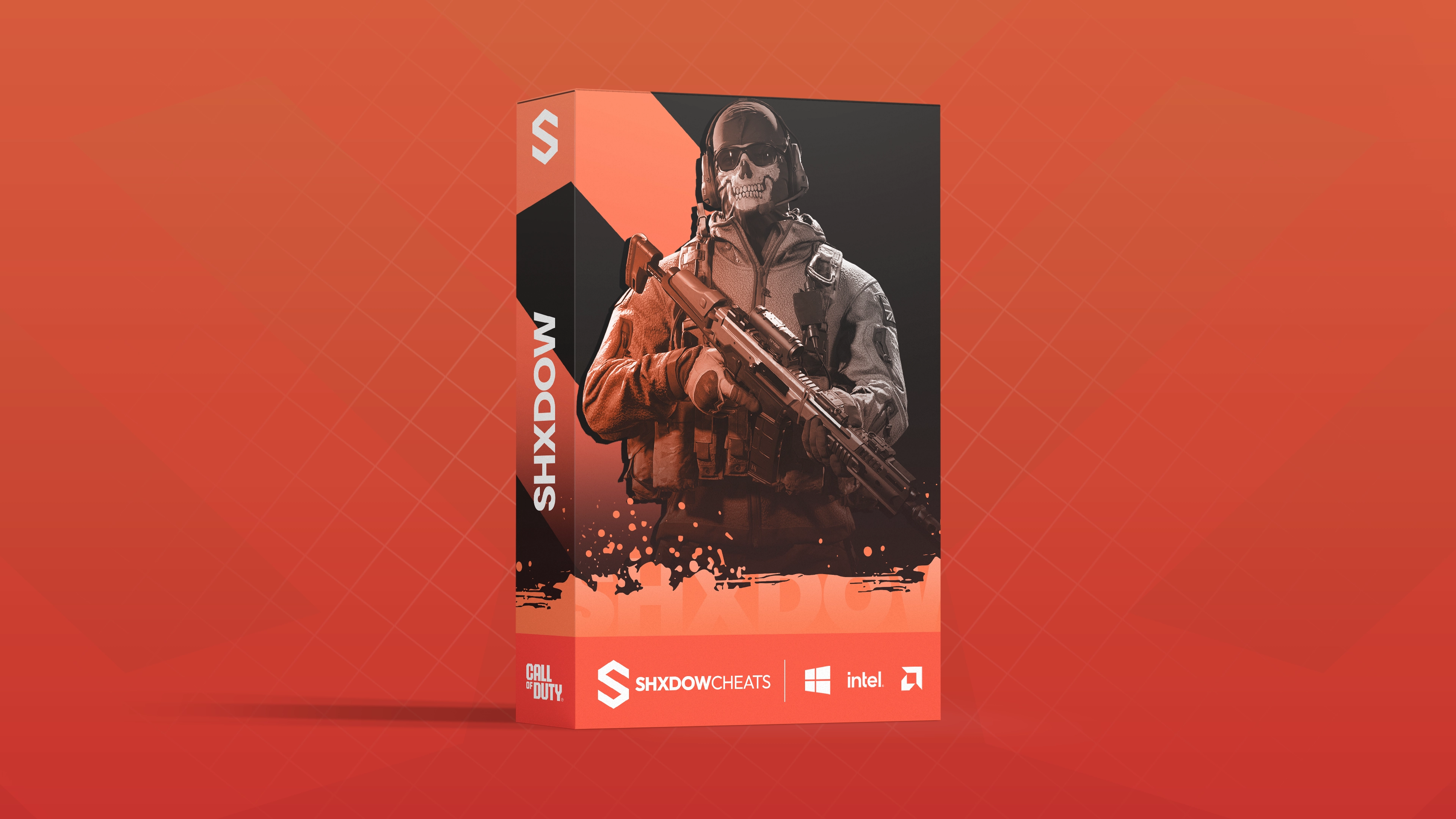 Shxdow External is a high-performance external Call of Duty Black Ops 7 cheat engineered for precision, stability, and full gameplay control. Built for Windows 10/11 on Intel and AMD systems, Shxdow External delivers smooth low-latency performance with advanced Aimbot, detailed ESP, full Loot ESP, and a fully customizable Radar. Designed for players searching for BO7 Cheats, BO7 Hacks, and BO7 Aimbot, this solution focuses on reliability, streamproof visuals, and deep customization.
-
Information
System compatibility, security, and general details.
- Supports Call of Duty: Black Ops 6/7
- Windows 10 & 11 Compatible
- External Client
- Intel & AMD CPU Support
- Spoofer Included (23H2 & Lower)
- Undetected
- Controller Support
- Streamproof (Discord, OBS, Twitch, TikTok, YouTube)
-
Aimbot
Smooth, accurate aiming with full control over behavior and targeting.
- Enable / Disable Aimbot
- Aim Types: Lock-On, Trigger-Bot
- Override Key (Different Lock-On Bodypart)
- Bone Selection
- Visibility Check
- Customizable Smoothing Settings
- Target & Behavior Configuration
- Aim Key with Configurable Keybind
- Aim Key Delay Adjustment
- Aim Lock
- Recoil Control
-
Visuals (ESP)
Detailed player and bot ESP with full visual customization.
- Enable ESP
- Team Check
- Head Circle
- Nickname
- Distance
- Weapon
- 2D Box
- Snap Lines
- Skeleton
- Health Bar
- Status
- KDA Display
- Proximity Alerts
- Out-of-Screen Indicators
- ESP Fully Customizable (Colors, FOV)
-
Loot ESP
Comprehensive world item detection with category filtering.
- Enable Loot ESP
- Weapons
- Ammo
- Cash
- Perks
- Crates
- Tokens
- Field Upgrades
- Armor Plates
- Tactical Equipment
- Gas Masks
- Revive Kits
- Contracts
- Lethals
- Keys
-
Radar
Real-time radar for complete battlefield awareness.
- Enable Radar
- Fully Customizable Radar Size & Zoom
- Enemy & Team Indicators
- FOV-Based Radar Scaling
-
Settings
Performance tuning, visuals, and configuration management.
- Your Game FPS Display
- V-Sync Toggle
- Cheat Render FPS
- Disable Flash Effects (Risky)
- Refresh Font List
- Available System Fonts
- Load & Apply Fonts
- Menu Key Configuration
- Select / Create Configs
- Color Customization (ESP, FOV, Radar)
About This Product
Shxdow External delivers a powerful and refined Black Ops 7 external cheat experience with smooth aimbotting, advanced ESP, full Loot ESP, and a customizable radar system. Built to remain undetected and streamproof, it’s an ideal choice for competitive players seeking maximum control and performance.
From$6.99 -
-
.faqSection { max-width: 900px; margin: 0 auto; color: #d9d9d9; line-height: 1.7; } .faqItem { background: rgba(255,255,255,0.03); border: 1px solid rgba(255,255,255,0.08); border-radius: 8px; padding: 18px; margin-bottom: 14px; } .faqQuestion { font-weight: 600; color: #ffffff; margin-bottom: 6px; } .faqAnswer { opacity: 0.95; } a { color: #6fb1ff; text-decoration: none; } a:hover { text-decoration: underline; } I need support — what should I do? If you require assistance, join our CUSTOMER Discord server and create a ticket in the “Get Support” channel. Our support team will respond as quickly as possible. Will this get me banned? Our software is designed with advanced bypass methods to stay undetected. For optimal safety, we recommend using cheats labeled “Safest Option” and avoiding suspicious or unrealistic gameplay, which greatly lowers detection risk. When does my key time start? Your subscription begins the moment you first activate or inject the cheat, not at the time of purchase. This guarantees you receive the full duration of your key from first use. Where do I get my product key? Product keys are delivered instantly under the “My Keys” section of your account. They are also automatically emailed to you after completing payment. Why is my card being declined? Cards may be declined if your bank blocks online or international transactions. Double-check your billing information, disable any VPNs, or try another payment method like cryptocurrency. If the problem persists, contact your card provider for assistance. How long does setup take? Setup usually takes only a few minutes. Each product comes with a step-by-step guide so you can get started immediately after purchase. Why is the product marked as updating? When a product is labeled “Updating”, our developers are improving features or ensuring it remains undetectable after a game patch. It will be marked as Available once confirmed safe. Why do I need to disable my antivirus? Antivirus software can block cheats or loaders, preventing them from running correctly. Cheats often trigger false positives due to memory changes or file modifications. Rest assured, our cheats are completely safe to use. Will this software work for my Windows version or computer? Check our Status Page for supported Windows versions for each product. You can also press Start, type wiver, and press ENTER to see your current Windows version. In most cases, the software works as long as all setup steps are followed. If you encounter issues, our 24/7 live chat support is always available to help.
-
.cheatGuide { max-width: 900px; margin: 0 auto; color: #d9d9d9; line-height: 1.7; } .cheatGuide h2 { font-size: 1.6rem; margin-bottom: 10px; color: #ffffff; } .cheatGuide h3 { font-size: 1.15rem; margin-top: 25px; margin-bottom: 8px; color: #ffffff; } .cheatGuide p { margin-bottom: 12px; } .cheatGuide ul { list-style: none; padding: 0; } .cheatGuide li { background: rgba(255,255,255,0.03); border: 1px solid rgba(255,255,255,0.08); border-radius: 8px; padding: 16px; margin-bottom: 14px; } .cheatGuide li span { font-weight: 600; color: #ffffff; } .cheatGuide a { color: #6fb1ff; text-decoration: none; } .cheatGuide a:hover { text-decoration: underline; } .cheatGuide .imageWrapper { margin: 30px 0 35px; border-radius: 10px; overflow: hidden; border: 1px solid rgba(255,255,255,0.1); background: #000; } .cheatGuide .imageWrapper img { width: 100%; display: block; } .cheatGuide .notice { margin-top: 25px; padding: 16px; background: rgba(255, 80, 80, 0.08); border: 1px solid rgba(255, 80, 80, 0.25); border-radius: 8px; } .cheatGuide .signature { margin-top: 30px; font-style: italic; opacity: 0.9; } How to Use ESP Cheats Effectively & Safely ESP cheats can act as a powerful teammate by providing valuable information about enemy locations, items, and key game elements. When used correctly, ESP gives you a strong advantage without drawing unwanted attention. Below are essential tips to help you maximize ESP effectiveness while keeping your gameplay discreet. 1. Understand ESP Features Player ESP: Displays enemy and player positions, often including health or distance. Item ESP: Highlights valuable loot such as weapons, gear, and resources. Object ESP: Shows locations of vehicles, containers, or supply crates. Warning Systems: Alerts you when enemies are nearby or aiming at you. 2. Choose the Right ESP Settings Reduce clutter: Enable only the most important ESP elements. Use filters: Show or hide items or players based on relevance. Color coding: Assign different colors to enemies, teammates, and loot. Example configuration options from Ruby BO6/BO7 . 3. Maintain Situational Awareness Use ESP information to anticipate enemy movement and control high-traffic areas. Awareness is your biggest advantage. 4. Plan Your Movements Use ESP to choose safer routes, avoid bad fights, and position yourself for ambushes or valuable objectives. 5. Coordinate With Your Team Share ESP information to synchronize attacks and defensive plays. Call out enemy positions using voice chat for real-time coordination. 6. Stay Discreet (Important) Do not act too directly on ESP information. Avoid tracking enemies through walls or pre-aiming unrealistically. Keep movements natural to avoid suspicion from players and anti-cheat systems. Responsible ESP usage is the key to longevity. Information is powerful — how you act on it determines whether you stay undetected. — ShxdowCheats Team
-
.cheatGuide { max-width: 900px; margin: 0 auto; color: #d9d9d9; line-height: 1.7; } .cheatGuide h2 { font-size: 1.6rem; margin-bottom: 10px; color: #ffffff; } .cheatGuide h3 { font-size: 1.15rem; margin-top: 25px; margin-bottom: 8px; color: #ffffff; } .cheatGuide p { margin-bottom: 12px; } .cheatGuide ul { list-style: none; padding: 0; } .cheatGuide li { background: rgba(255,255,255,0.03); border: 1px solid rgba(255,255,255,0.08); border-radius: 8px; padding: 16px; margin-bottom: 14px; } .cheatGuide li span { font-weight: 600; color: #ffffff; } .cheatGuide a { color: #6fb1ff; text-decoration: none; } .cheatGuide a:hover { text-decoration: underline; } .cheatGuide .videoWrapper { margin: 25px 0 35px; border-radius: 10px; overflow: hidden; border: 1px solid rgba(255,255,255,0.1); background: #000; } .cheatGuide .videoWrapper iframe { width: 100%; height: 500px; border: none; } .cheatGuide .signature { margin-top: 30px; font-style: italic; opacity: 0.9; } Optimizing Your PC for Cheat Performance It may sound unusual, but in many cases optimizing your PC can significantly improve how cheats perform. A properly tuned system ensures features run smoothly, reduces conflicts, and helps everything function exactly as intended. Below are several recommended steps to help optimize your setup. 1. Update Your Graphics Drivers Keeping your graphics drivers up to date can lead to noticeable performance improvements and better compatibility with cheats. Visit the official website for your GPU manufacturer and download the latest drivers: AMD or NVIDIA. Below is a video demonstrating the update process using an NVIDIA GPU. 2. Adjust In-Game Settings Lowering visual settings such as resolution, textures, and shadows can reduce system load and allow cheats to run more efficiently. Use the in-game settings menu to find the right balance between visual quality and performance. 3. Close Unnecessary Background Applications Background applications consume system resources and can interfere with cheat performance. Open Task Manager (Ctrl + Shift + Esc) and close any non-essential programs that are using significant CPU, memory, or disk resources. 4. Optimize Power Settings Set your PC to High Performance mode to ensure maximum hardware output. Navigate to Control Panel → Hardware and Sound → Power Options and select High performance. 5. Disable Startup Programs Unnecessary startup programs waste resources and may cause conflicts. Use Task Manager to disable any startup applications that are not required. 6. Consider Hardware Upgrades If performance is still lacking, upgrading key components such as RAM, GPU, or installing an SSD can make a substantial difference. Research upgrades that are compatible with your system and provide the best value for your budget. 7. Use Our Guides & Support Tools Our step-by-step guides are designed to remove unnecessary obstacles and help you configure your system correctly for each game. We also offer system optimization and performance monitoring tools to help keep everything running smoothly while cheating. — ShxdowCheats Team
-
 .cheatGuide { max-width: 900px; margin: 0 auto; color: #d9d9d9; line-height: 1.7; } .cheatGuide h2 { font-size: 1.6rem; margin-bottom: 10px; color: #ffffff; } .cheatGuide h3 { font-size: 1.15rem; margin-top: 25px; margin-bottom: 8px; color: #ffffff; } .cheatGuide p { margin-bottom: 12px; } .cheatGuide ul { list-style: none; padding: 0; } .cheatGuide li { background: rgba(255,255,255,0.03); border: 1px solid rgba(255,255,255,0.08); border-radius: 8px; padding: 16px; margin-bottom: 14px; } .cheatGuide li span { font-weight: 600; color: #ffffff; } .cheatGuide .notice { margin-top: 25px; padding: 16px; background: rgba(255, 80, 80, 0.08); border: 1px solid rgba(255, 80, 80, 0.25); border-radius: 8px; } .cheatGuide a { color: #6fb1ff; text-decoration: none; } .cheatGuide a:hover { text-decoration: underline; } .cheatGuide .videoWrapper { margin-top: 35px; border-radius: 10px; overflow: hidden; border: 1px solid rgba(255,255,255,0.1); background: #000; } .cheatGuide .videoWrapper iframe { width: 100%; height: 500px; border: none; } .cheatGuide .signature { margin-top: 30px; font-style: italic; opacity: 0.9; } Reinstalling Windows Without USB or CD If you run into cheat-related issues, there may be situations where reinstalling Windows or starting with a clean system is necessary. To make this process as simple as possible, we’ve provided a video walkthrough along with the required tools listed below. The best part — this method does not require a USB drive or CD. Everything can be done directly from Windows by downloading the appropriate files. You can follow the process just like a standard Windows installation. If you choose, you may keep your personal files during setup. Purpose of This Guide This guide allows you to reinstall or revert Windows to a specific version of your choosing. Once completed, you may pause Windows Updates to remain on that version if desired. Step-by-Step Instructions 1. Download Windows ISO Downloader Download the Windows ISO Downloader from the official source: Click here to download Windows ISO Downloader 2. Launch the Application Open the Windows ISO Downloader once the download has completed. 3. Select Your Desired Windows Version Choose the specific Windows version you wish to install from the available options. 4. Begin the Download Click the download button and allow the ISO file to finish downloading. 5. Follow the Video Installation Guide Once the ISO is ready, follow the video tutorial below for detailed instructions on completing the Windows setup. After installation, remember to visit Windows Security and Windows Update settings. If you plan to stay on the same Windows version, pause automatic updates accordingly. — ShxdowCheats Team
 -
.cheatGuide { max-width: 900px; margin: 0 auto; color: #d9d9d9; line-height: 1.7; } .cheatGuide h2 { font-size: 1.6rem; margin-bottom: 10px; color: #ffffff; } .cheatGuide h3 { font-size: 1.15rem; margin-top: 25px; margin-bottom: 8px; color: #ffffff; } .cheatGuide p { margin-bottom: 12px; } .cheatGuide ul { list-style: none; padding: 0; } .cheatGuide li { background: rgba(255,255,255,0.03); border: 1px solid rgba(255,255,255,0.08); border-radius: 8px; padding: 16px; margin-bottom: 14px; } .cheatGuide li span { font-weight: 600; color: #ffffff; } .cheatGuide .notice { margin-top: 25px; padding: 16px; background: rgba(255, 80, 80, 0.08); border: 1px solid rgba(255, 80, 80, 0.25); border-radius: 8px; } .cheatGuide .checklist li { background: rgba(255,255,255,0.02); } .cheatGuide .signature { margin-top: 30px; font-style: italic; opacity: 0.9; } Complete System Format & Ban Recovery Guide This guide outlines the proper method for performing a full system format after a game ban. Following these steps precisely is critical — skipping or rushing any part can result in instant re-bans. System Preparation & Formatting Steps 1. Fully Remove the Banned Game Download Revo Uninstaller and uninstall the game you were banned from. Ensure that all related files are removed, including anti-cheat components such as EAC or BattlEye. Use Revo’s Advanced Scan option to locate and delete any leftover registry entries and files. 2. Download the Windows 10 ISO Tool Download the official Windows 10 ISO creation tool from Microsoft. 3. Create Installation Media Launch the tool, select “Create installation media”, and click Next. Make sure to uncheck the option labeled “Use recommended options for this PC”, then proceed. 4. Generate the ISO File Select ISO File as the output format and allow it to download to your desktop. 5. Download Rufus Download Rufus, which will be used to create a bootable USB drive. 6. Create the Bootable USB Insert a USB drive with at least 8GB of free space. Open Rufus, select your USB device, and choose Disk or ISO Image as the boot selection. 7. Load the ISO & Start Formatting Select the downloaded ISO file, click START, and wait for Rufus to finish creating the bootable media. 8. Boot From USB Restart your PC and enter the Boot Menu using F1, F2, F8, or F10 (varies by system). 9. Begin Windows Installation Select your USB drive as the boot device and follow the on-screen installation instructions as shown in the provided video guide. Critical: During setup, use Diskpart to clean all drives except the USB. If you have multiple drives, every internal disk must be cleaned. Important Configuration Notes IP Address Handling If your ISP does not provide dynamic IP changes, use a VPN that offers dedicated IP addresses. Recommended options include NordVPN or PureVPN (availability varies by region). Windows Activation & Accounts Do not activate Windows using your old product key and do not sign in with your previous Microsoft account. Some games track Windows activation identifiers. Post-Install Cleanup After installation, uninstall OneDrive and disable Battle.net from startup applications. Deactivate Windows Key Open Command Prompt as Administrator and run: slmgr /upk (deactivates the key) slmgr /cpky (removes key from registry) Final Steps After Installation 1. Remove Old Windows Files Delete C:\Windows.old if it exists. 2. Handle IP Bans Properly If the game issues IP bans, contact your ISP directly to request an IP change. VPNs may still be detected in some cases. 3. Reapply Setup Steps Double-check and repeat any setup steps that may have been affected by formatting. 4. Use a Hardware Spoofer Before installing the game or any launchers (Steam, Battle.net, Origin), use a spoofer to change hardware serials including HDDs and SSDs. Games store hardware identifiers during installation — matching serials can trigger instant bans. Premium Users: When launching the spoofer, generate a new HWID seed by clicking YES when prompted. This only needs to be done once per ban. Final SAFEST way checklist Fresh Windows installation New IP from ISP or dedicated VPN IP No Windows.old folder OneDrive removed New game accounts created using mobile data Spoofer verified via serial checker Re-Install the game after these steps are complete — ShxdowCheats Team
-
.cheatGuide { max-width: 900px; margin: 0 auto; color: #d9d9d9; line-height: 1.7; } .cheatGuide h2 { font-size: 1.6rem; margin-bottom: 10px; color: #ffffff; } .cheatGuide h3 { font-size: 1.15rem; margin-top: 25px; margin-bottom: 8px; color: #ffffff; } .cheatGuide p { margin-bottom: 12px; } .cheatGuide ul { list-style: none; padding: 0; } .cheatGuide li { background: rgba(255,255,255,0.03); border: 1px solid rgba(255,255,255,0.08); border-radius: 8px; padding: 16px; margin-bottom: 14px; } .cheatGuide li span { font-weight: 600; color: #ffffff; } .cheatGuide .notice { margin-top: 25px; padding: 16px; background: rgba(255, 80, 80, 0.08); border: 1px solid rgba(255, 80, 80, 0.25); border-radius: 8px; } .cheatGuide .signature { margin-top: 30px; font-style: italic; opacity: 0.9; } How to Maintain a Low Detection Rate In this guide, we’ll walk through proven methods for keeping your detection risk as low as possible while using our cheats. Many players jump in expecting instant domination — and while that temptation is understandable, reckless usage is the fastest way to get banned. Before you start, it’s important to understand how cheats should be used intelligently if you want long-term success. Our experience comes from thousands of combined hours across competitive titles. We’ve played Call of Duty since early seasons with hundreds of hours on main accounts, as well as reaching Master rank in Apex Legends — all without receiving bans. So how is this possible? Below are the exact principles we follow. This guide is divided into three key areas: 1. Aimbot Configuration & Usage 2. ESP (Wallhack) Behavior 3. Kill/Death & Win Ratio Management Aimbot Usage The safest way to use an aimbot is by keeping it subtle. We recommend a low field of view — typically around 15–17 FOV, depending on the cheat. If you’re unsure, our support team can advise you on optimal values. Smoothness should be set as high as possible. This transforms the aimbot into a strong aim assist rather than an obvious snap. When gameplay is reviewed, your aim appears natural and unremarkable — exactly what you want. This approach not only lowers detection risk, but also improves consistency and long-term performance. ESP (Wallhack) Deception The golden rule of ESP usage: play as if you don’t have it. Never track enemies through walls or move directly toward players you shouldn’t logically know about. Only engage enemies once they are visible. ESP should be used for awareness — escaping bad situations, choosing better positioning, or estimating how many opponents are nearby. If your gameplay is reviewed, there should be no moments that suggest information you couldn’t reasonably have. KD Ratio & Win Rate Control Starting fresh with cheats can feel intoxicating. Dominating every match and wiping entire lobbies is fun — but it’s also one of the most common reasons players get banned. From our internal data, the vast majority of bans occur due to excessive stat inflation. You are not meant to win every game or eliminate every opponent. Occasionally losing matches and having average games is not a weakness — it’s protection. Maintaining realistic stats is far more important than short-term domination. While we prioritize cheat safety at every level, no method is entirely risk-free. Abuse is the leading cause of bans, not the cheat itself. Use features responsibly and think long-term. Those are all the tips we have to share. Follow them closely, stay disciplined, and you’ll dramatically increase your chances of remaining undetected while enjoying your experience. — ShxdowCheats Team ♥
-
.cheatGuide { max-width: 900px; margin: 0 auto; color: #d9d9d9; line-height: 1.7; } .cheatGuide h2 { font-size: 1.6rem; margin-bottom: 10px; color: #ffffff; } .cheatGuide h3 { font-size: 1.15rem; margin-top: 25px; margin-bottom: 8px; color: #ffffff; } .cheatGuide p { margin-bottom: 12px; } .cheatGuide ul { list-style: none; padding: 0; } .cheatGuide li { background: rgba(255,255,255,0.03); border: 1px solid rgba(255,255,255,0.08); border-radius: 8px; padding: 16px; margin-bottom: 14px; } .cheatGuide li span { font-weight: 600; color: #ffffff; } .cheatGuide .notice { margin-top: 25px; padding: 16px; background: rgba(255, 80, 80, 0.08); border: 1px solid rgba(255, 80, 80, 0.25); border-radius: 8px; } .cheatGuide .helpBox { margin-top: 30px; padding: 18px; background: rgba(255,255,255,0.04); border: 1px solid rgba(255,255,255,0.1); border-radius: 8px; } Cheat Safety & Best Practices Guide Game cheats can offer a significant edge in online play, but improper use comes with real risks. From account bans to system security issues, it’s important to understand what you’re doing before jumping in. This guide outlines essential precautions to help you reduce risk while using cheats responsibly. 1. Stick to Trusted Cheat Providers At ShxdowCheats, every product is thoroughly tested before release to ensure stability and safety. Avoid unknown sources, as poorly made cheats are one of the most common causes of bans and system issues. 2. Follow Installation Guides & Use Support Resources Each cheat includes detailed instructions explaining proper installation and usage. Make sure to follow every step carefully to avoid user-related errors. Additional support tools are available alongside your downloads and are designed to help resolve common issues quickly. 3. Temporarily Disable Antivirus Software Antivirus programs may flag cheats as false positives and block essential files. Disabling real-time protection during installation and use can prevent functionality issues. 4. Always Use a VPN A VPN (Virtual Private Network) helps protect your identity and shields your activity from tracking systems and opportunistic users. Using a VPN from our recommended providers adds an extra layer of privacy while cheating. 5. Keep Your Cheats Up to Date Game developers constantly update their titles to counter cheats. Running outdated software dramatically increases detection risk. Check our status page regularly to ensure you’re always using the latest version. 6. Test Cheats in Safe Environments Before jumping into competitive modes, test cheats in single-player sessions or private matches. This allows you to learn how features behave without putting your account at immediate risk. 7. Configure Cheats Carefully Avoid extreme or obvious settings that can easily raise red flags. Subtle configurations are far more believable and less likely to attract attention. Refer to our configuration guides for optimized, safer setups. 8. Stay Informed Through the Community Our forums and Discord are valuable resources for real-time information on detections, updates, and emerging risks. Engaging with the community helps you stay ahead of potential issues and learn from other users’ experiences. While following these guidelines can significantly reduce risk, no cheat is ever completely undetectable. Using cheats always involves some level of uncertainty. Proceed with caution and responsibility. Need Additional Help? ShxdowCheats offers an active support community and dedicated forums where you can find answers, tips, and troubleshooting advice. Visit our Forum or Support Page for fast responses and ongoing assistance. Good luck — and cheat smart.
-
R6 Vega Cheat 30 Days
Product in Rainbow 6 Siege Cheats
 From$49.99
 -
R6 Vega Cheat 7 Days
Product in Rainbow 6 Siege Cheats
 From$24.99