
Ruby MW4 Cheat
-
Undetected (Online)
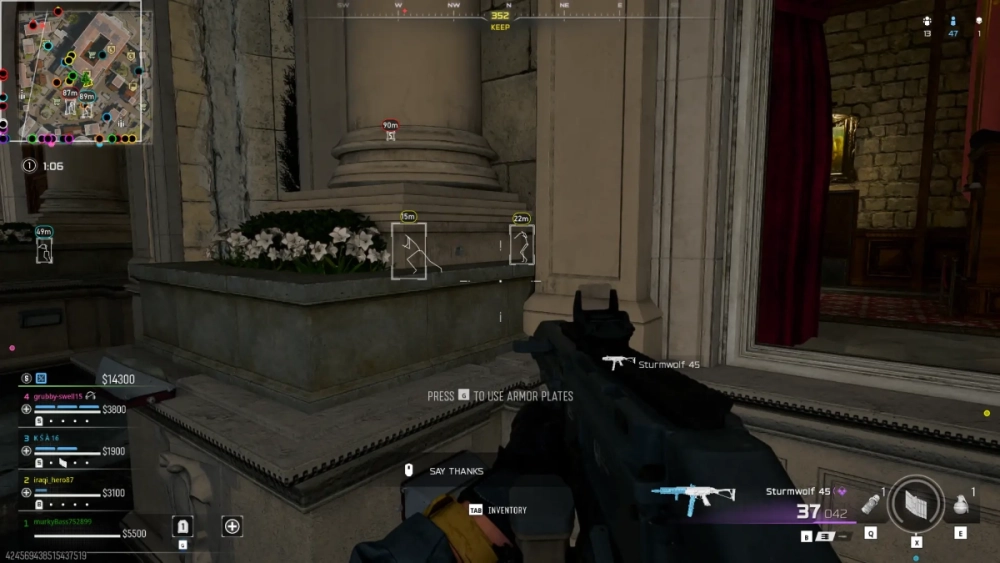
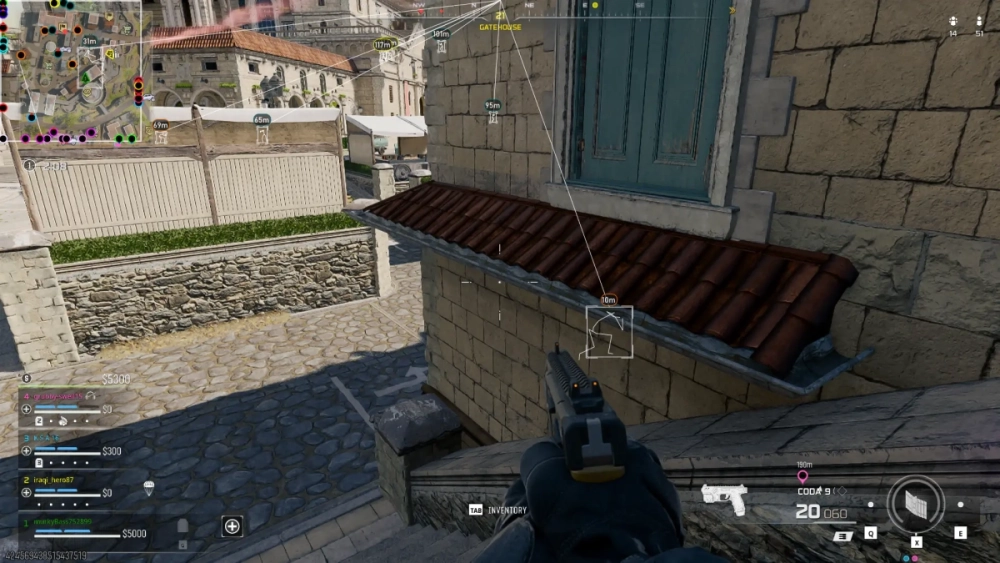
Shxdow COD Cheat is an external cheat for MW4 and Warzone across Steam, Battle.net, and Xbox Game Pass. The controls below cover player ESP, a configurable aimbot and loot ESP with item filtering. You also get an in-game radar and weapon-specific aim settings. ShxdowCheats keeps the options for this Call of Duty cheat on one page. Information C…
Shxdow COD Cheat is an external cheat for MW4 and Warzone across Steam, Battle.net, and Xbox Game Pass. The controls below cover player ESP, a configurable aimbot and loot ESP with item filtering. You also get an in-game radar and weapon-specific aim settings. ShxdowCheats keeps the options for this Call of Duty cheat on one page.
-
Information
Check the supported Call of Duty titles, platforms, and operating systems before choosing Shxdow.
- Supports MW4 & Warzone Only
- Windows 10 (All Versions)
- Windows 11 (All Versions)
- Steam Supported
- Battle.net Supported
- Xbox Game Pass Supported
- External Client
-
Visuals
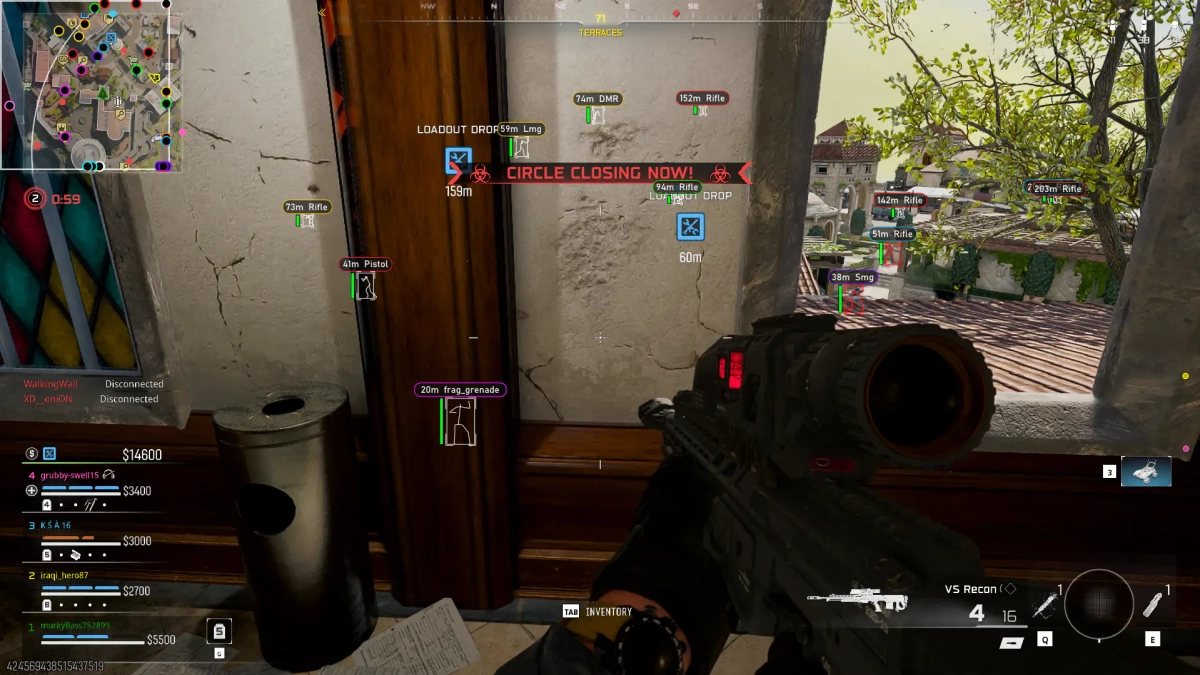
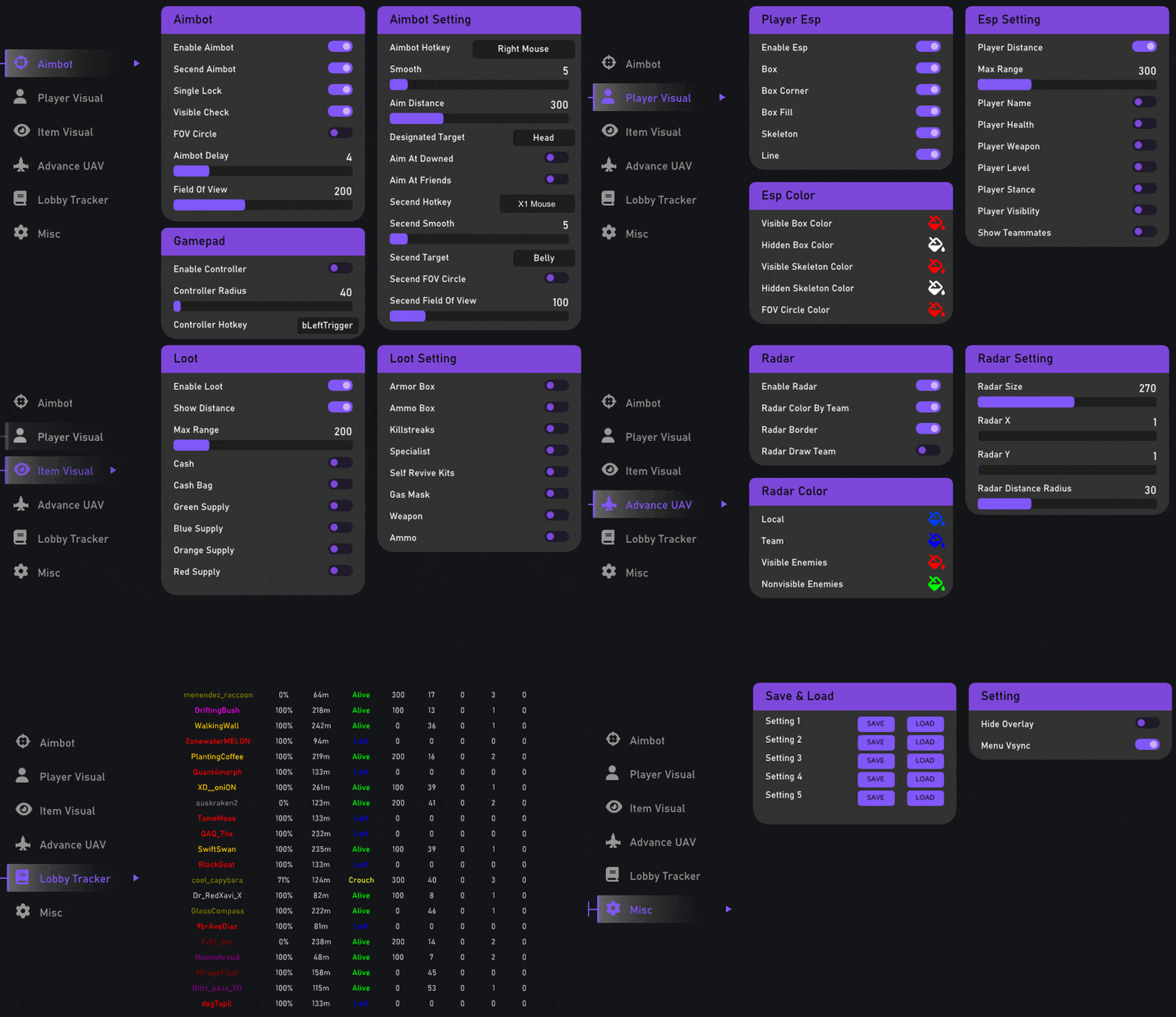
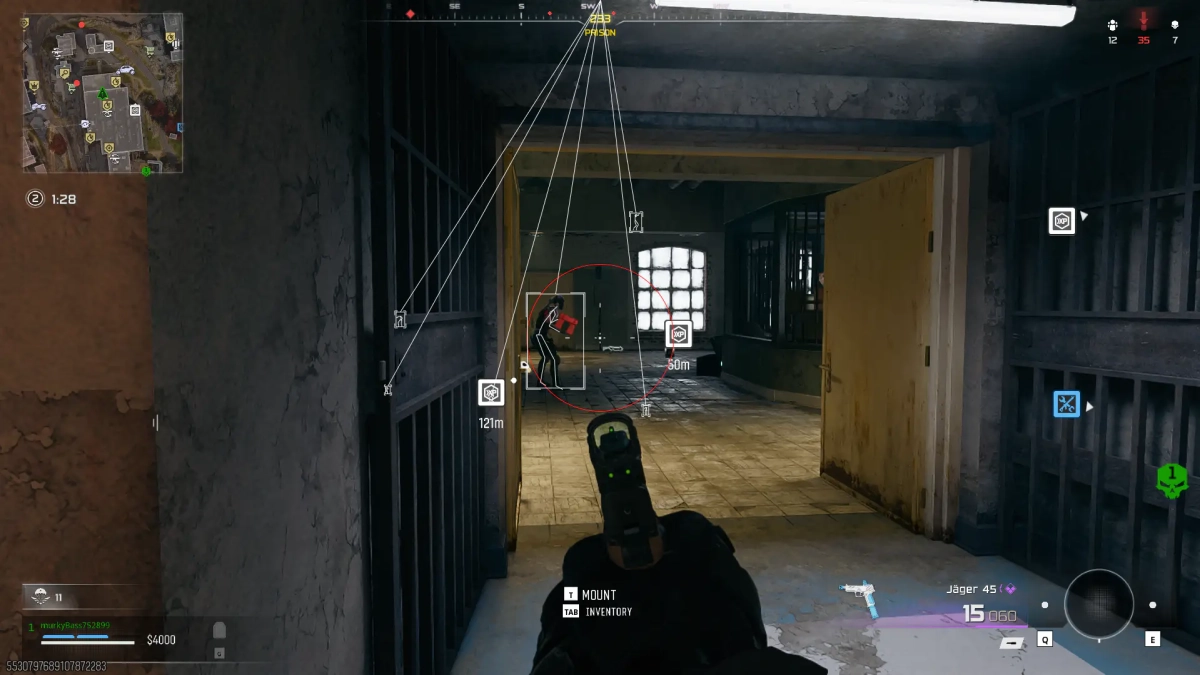
You can cut down the labels in player ESP. ShxdowCheats lists separate controls for box style, skeleton thickness and range, so changing one doesn't mean changing the lot.
- Player Box
- Player Skeleton
- Player Name
- Player Distance
- Player Weapon
- Player Team
- Player Line
- Player Health
- Player Visibility Check
- Player Stance Info
- Near Player Alert
- Visible Player Alert
- Show Friends
- Box Thickness Config
- Skeleton Thickness Config
- Line Thickness Config
- Box Type Config
- Line Type Config
- ESP Range Config
- Stance Info Config
- ESP Font Config
-
Aimbot
The configurable player targeting system lets you adjust FOV and strength, then change your weapon settings.
- Player Aimbot
- Show FOV
- Aim At Downed Players
- Draw Aim Box
- Allow Weapon Setting
- Target Checker
- Visibility Check
- Aim At Friends
- Aim Strength Config
- Aim Randomization
- Aim Bone Config
- Aim FOV Config
- Aim Key Config
- Aim Priority Config
- Aim Range Config
-
Loot
Loot ESP has its own range, display options, fonts and item filtering. Keep the loot view separate from player information.
- Loot ESP
- Show Distance
- Gray Background
- Loot Range Config
- Loot Font Config
- 36+ Item Configurations
-
Radar
Move the in-game player radar where you want it. Positioning, size, team display and directional indicators have separate settings.
- Player Radar
- Radar In Game
- Radar Draw Border
- Radar Draw Local
- Radar Draw Lines
- Radar Draw Height Arrow
- Radar Draw Team
- Radar Size Config
- Radar X Config
- Radar Y Config
- Radar Distance Radius Config
-
Weapon
Use individual aim configurations for different weapon categories. Change one weapon's settings without using the same values for the rest.
- Shotgun FOV Config
- Shotgun Strength Config
- Shotgun Bone Config
- Shotgun Range Config
- Pistol / SMG FOV Config
- Pistol / SMG Strength Config
- Pistol / SMG Bone Config
- Pistol / SMG Range Config
- Rifle FOV Config
- Rifle Strength Config
- Rifle Bone Config
- Rifle Range Config
- Sniper FOV Config
- Sniper Strength Config
- Sniper Bone Config
- Sniper Range Config
-
Settings
Set the performance and convenience settings you need, then use a save slot to keep them. ShxdowCheats shows the available controls here.
- Streamer Mode
- DirectX VSync
- FPS Limiter
- FPS Delay Config
- Save & Load Slots
About This Product
MW4 and Warzone are the two games for Shxdow COD Cheat, supporting Steam, Battle.net, and Xbox Game Pass. Build a Call of Duty setup around the bits you use: player ESP, configurable aimbot functionality, loot ESP and an in-game player radar. You don't have to use the same setup for every gun. There are dedicated weapon profiles for shotguns, pistols, SMGs, rifles, and snipers. Streamer Mode, DirectX VSync, FPS limiting, FPS delay configuration, and save/load slots sit in the settings section.