
How Wardogs Aimbot FOV and Smoothing Work
A Wardogs aimbot can select the wrong opponent even when it is moving exactly as configured. You might be following someone beside a container while another player enters the same part of your screen, and suddenly your aim changes direction. FOV, target selection and switch delay explain that behaviour, while smoothing determines how the movement towards the selected opponent looks.
If you are choosing between our Wardogs cheats, this guide covers the aiming features in Wardogs Internal. You get separate controls for FOV, smoothness, speed, bones, stickiness and target switching. Each has a different job, so changing several at once makes it harder to tell why your aim has changed. Start with the problem you can actually see on screen.
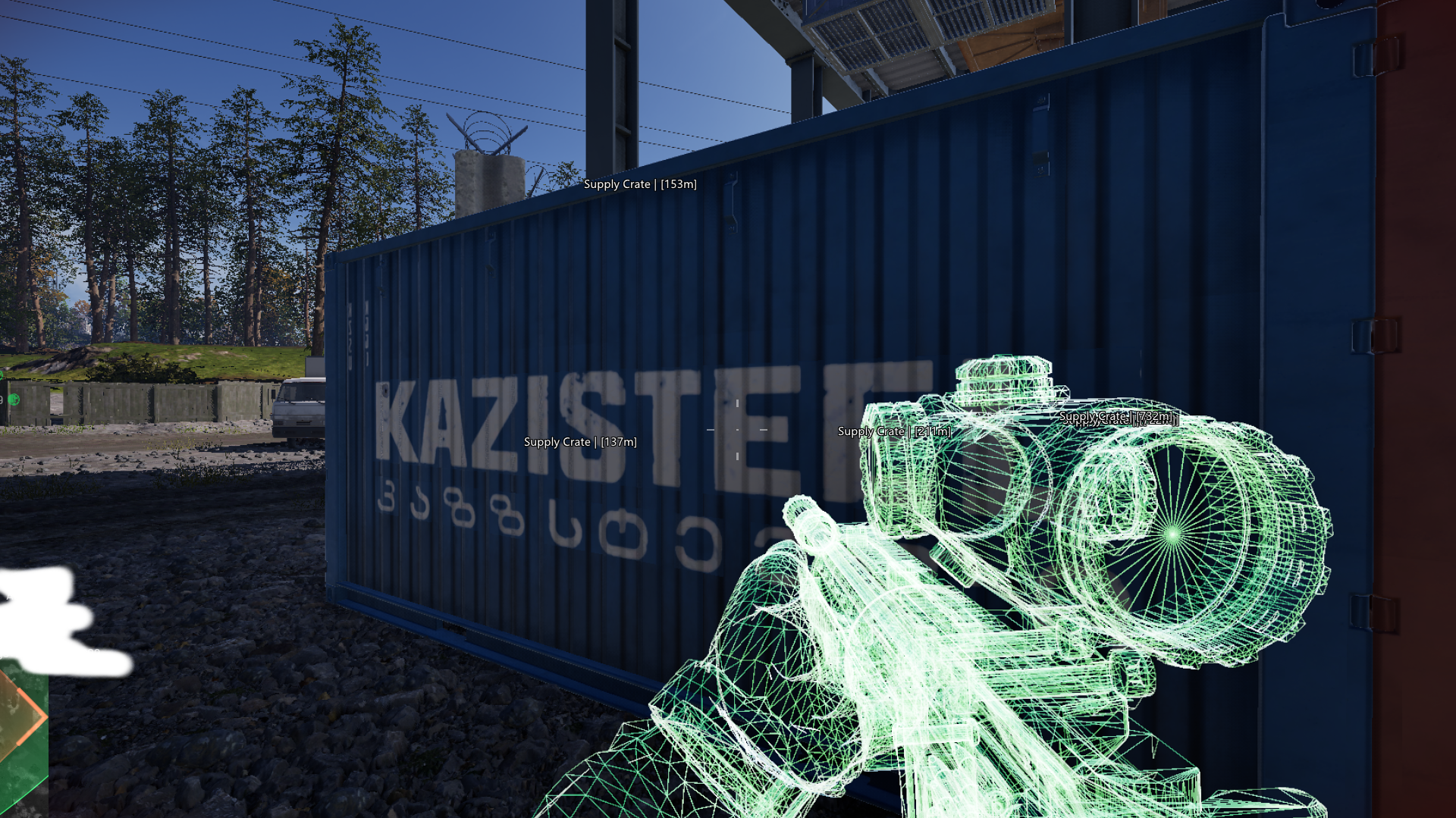
What aimbot FOV changes in Wardogs
Aimbot FOV defines the area around your crosshair in which an opponent can be considered for targeting. A wider area can include someone farther from where you are already aiming. A narrower area asks you to bring the crosshair closer first. Neither choice decides which body part the cheat targets, and neither changes how much of the map your camera shows.
The FOV circle makes that targeting area easier to understand while you adjust it. Wardogs Internal also has a separate FOV Changer, which affects your camera view. Mixing up those two features can leave you changing the view while the aimbot keeps choosing the same opponents. The target line identifies the selected target, which is useful when two players cross close together beside cover.
How aimbot smoothing and speed affect movement
Aimbot smoothing changes the transition towards the selected target. Aimbot speed affects how quickly that movement occurs. These are related, but increasing one is not a reliable substitute for understanding the other. If your Wardogs aimbot takes too long to follow a player crossing a doorway, look at the movement itself before widening the targeting area and introducing additional opponents.
There is no single percentage that suits every mouse sensitivity, engagement distance and preference. Shxdow Internal exposes smoothness and speed separately, so make one adjustment and observe the result before changing the next. A short movement across the screen and a long movement across several player silhouettes are different situations. Judge whether the change addresses the movement you wanted, rather than assuming a larger number always helps.
Choosing head, neck, chest or closest bone
Head targeting, neck targeting and chest targeting select different points on the opponent. Closest bone selects a point according to proximity rather than fixing every engagement to the same body part. These choices affect where the aimbot aims, not whether your weapon can shoot through whatever stands between you and that point. A player appearing in ESP is not automatically an available shot.
Your aim keybind matters here as well. An unexpected activation can look like a bone-selection problem when the cheat is simply responding to the key you assigned. Check the activation before changing the target point. When testing a new aimbot configuration, keep the chosen bone consistent long enough to understand the movement, then change it deliberately if it does not match the way you want to aim.
Why the aimbot changes targets
Target stickiness and target switch delay affect what happens when more than one opponent qualifies. Stickiness concerns retaining the current target, while the delay controls the timing of a change. These features matter when one player runs past another, or when someone briefly enters the area near your crosshair. Without understanding selection, you can mistake a new target for a sudden change in smoothing.
The target filter is another part of that decision. Shxdow's Wardogs Internal includes filtering alongside stickiness and switch delay. Keep your attention on which opponent is selected before judging how the crosshair travels. If selection changes at the wrong moment, changing smoothness alone does not address the cause. These controls should answer separate questions about target choice and movement.
Using visibility and distance checks
Visible Check and maximum distance narrow the circumstances in which targeting takes place. They belong alongside FOV and target selection, because an opponent can be close to your crosshair on screen while being much farther away in the game. Distance also changes how small a head or chest appears, so it can explain why the same aiming behaviour feels different across engagements.
Work through the sequence in order: activation, eligible opponent, target point, then movement. That gives each adjustment a reason. Smooth movement does not establish that a cheat is undetected, and no FOV value provides a safety guarantee. The purpose of this configuration is to understand how the Wardogs aimbot behaves, so you can identify a targeting issue without changing unrelated features.
Wardogs Aimbot Questions
Does a wider aimbot FOV make aiming faster?
No. It expands the targeting area. Movement speed and smoothness are separate controls, so widening FOV can add eligible opponents without making the movement towards them faster.
Does Wardogs Internal support chest targeting?
Correct. Its documented bone choices include closest, head, neck and chest. The choice determines the target point, while visibility, distance and FOV help determine which opponent qualifies.
Why does my Wardogs aimbot move between two players?
Check target selection, stickiness and target switch delay first. If both players qualify, the change may be a selection decision rather than a problem with smoothing.